
How to Troubleshoot a Smartphone That Cannot Save Photos to the Gallery?
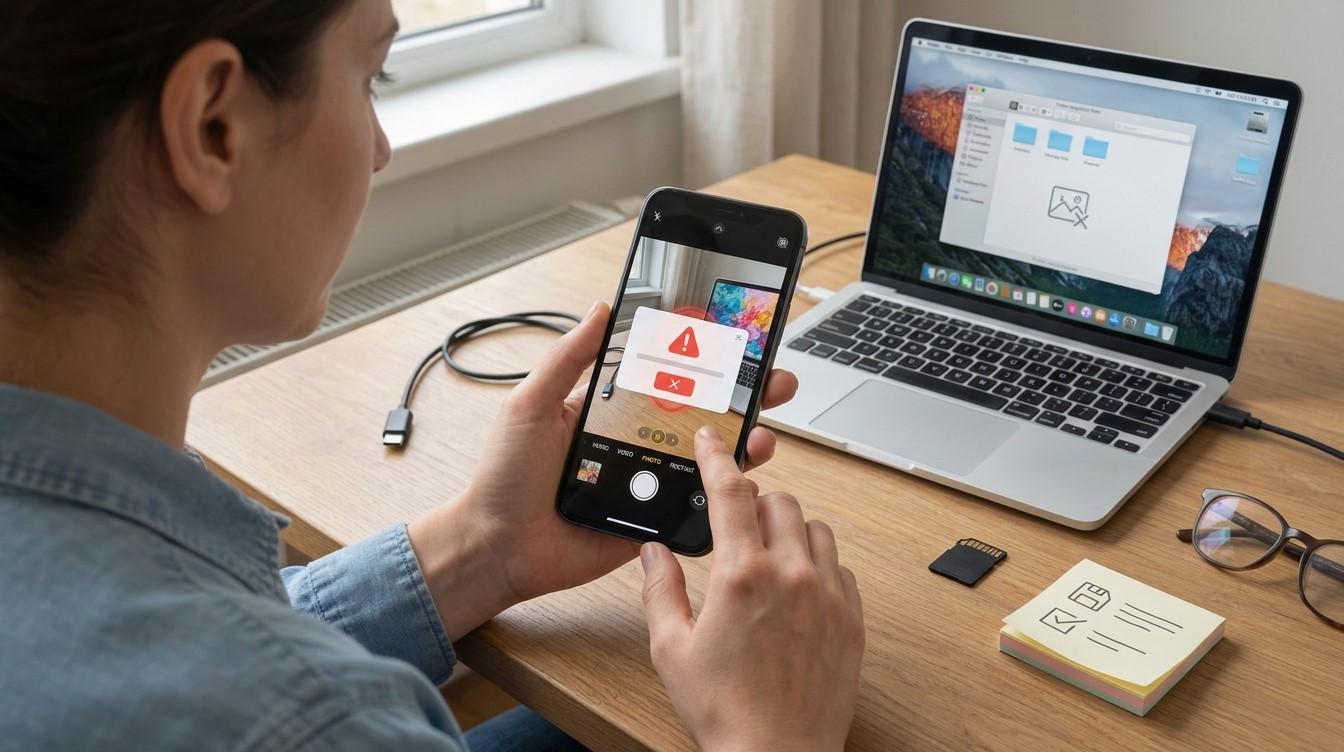
Taking photos is one of the most common smartphone activities, but it can be frustrating when pictures capture successfully and then fail to appear in the gallery. This problem may occur because of storage limitations, app permissions, software glitches, or issues with the gallery application. MyRepairStore, providing the best cell phone repair in Indian Trail, helps users troubleshoot smartphone problems and find reliable solutions through its cell phone repair Indian Trail services.
If your phone cannot save photos or your gallery fails to display them, a few simple checks may help identify the cause and restore normal functionality.
Table of Contents
-
Common Reasons Photos Are Not Saving
-
Check Your Phone's Storage Space
-
Review Camera App Permissions
-
Restart Your Smartphone
-
Clear Gallery App Cache
-
Check Photo Saving Locations
-
Update Your Phone Software
-
When Professional Help Is Needed
-
FAQs
-
Conclusion
1. Common Reasons Photos Are Not Saving
Several issues can prevent photos from appearing in your gallery, including:
-
Insufficient storage space
-
Camera application glitches
-
Incorrect app permissions
-
Gallery synchronization problems
-
Software bugs
-
Issues with memory cards
Identifying the reason can help you choose the right troubleshooting method instead of making unnecessary changes.
2. Check Your Phone's Storage Space
When your phone runs out of available storage, it may fail to save newly captured pictures.
Open your phone's storage settings and check how much space is available. If storage is nearly full, remove unnecessary downloads or unwanted files after reviewing them. You can also move backed-up files to another storage location.
Once enough space is available, open your camera and test whether new photos save correctly.
3. Review Camera App Permissions
Your camera application needs permission to access storage or save media properly. If permissions have been restricted, photos may not save as expected.
Go to your phone's app settings, select the Camera app, and review its permissions. Make sure required photo, media, or storage access is allowed, depending on your device's operating system.
4. Restart Your Smartphone
Temporary system glitches may interfere with saving photos or refreshing the gallery. Restarting your phone can refresh background processes and resolve minor software issues.
After restarting, capture a test photo and check whether it appears in your gallery.
5. Clear Gallery App Cache
A corrupted temporary cache may cause the gallery application to display outdated information or fail to load recent pictures.
You can clear the Gallery app's cache through your phone's application settings. Choose the cache-clearing option only, not the option to erase app data, unless you understand its effects.
6. Check Photo Saving Locations
Some phones allow photos to be saved to internal storage or an SD card. If a memory card is unavailable, damaged, or experiencing problems, the camera may fail to save images.
Check your camera's storage location settings and, if available, select internal storage to test whether the issue is related to the memory card.
7. Update Your Phone Software
Outdated software may cause camera or gallery compatibility problems. Check for available system and application updates.
Installing compatible updates may resolve bugs affecting photo saving, gallery loading, and media management.
8. When Professional Help Is Needed
If photos still cannot be saved after trying these steps, the problem may involve deeper software complications, storage hardware, or other internal device issues.
MyRepairStore can help diagnose smartphone problems and recommend suitable repair options when basic troubleshooting does not resolve the issue.
Frequently Asked Questions (FAQs)
1. Why does my phone take pictures but not save them?
Storage limitations, camera app glitches, permission restrictions, or memory card problems may prevent photos from saving.
2. Why are my new photos missing from the gallery?
The gallery may not have refreshed, or photos may be saved in a different folder or storage location.
3. Can low storage prevent photos from saving?
Yes. Insufficient free storage can prevent your phone from saving new images.
4. Will restarting my phone fix the photo-saving problem?
It may resolve temporary software glitches affecting the camera or gallery.
5. Where can I get help with smartphone camera problems in Indian Trail?
MyRepairStore offers troubleshooting and smartphone repair assistance for customers in Indian Trail.
Conclusion
When a smartphone cannot save photos to the gallery, the issue may be caused by insufficient storage, restricted permissions, temporary glitches, cache problems, or memory card issues. Checking storage space, reviewing permissions, restarting your phone, and updating software can often help restore normal functionality.
MyRepairStore is a dependable choice for those looking for the best cell phone repair in Indian Trail. Whether you're experiencing camera problems, missing photos, or other smartphone issues, its cell phone repair Indian Trail services can help identify the problem and provide a suitable solution.
Call to Action
Having trouble saving photos or accessing your gallery? Visit MyRepairStore for reliable smartphone troubleshooting and repair services.

 Polish
 English
 Arabic
 French
 Spanish
 Portuguese
 Deutsch
 Turkish
 Dutch
 Italiano
 Russian
 Portuguese (Brazil)
 Greek