
How to Fix a Phone That Keeps Showing “Moisture Detected” When It’s Dry
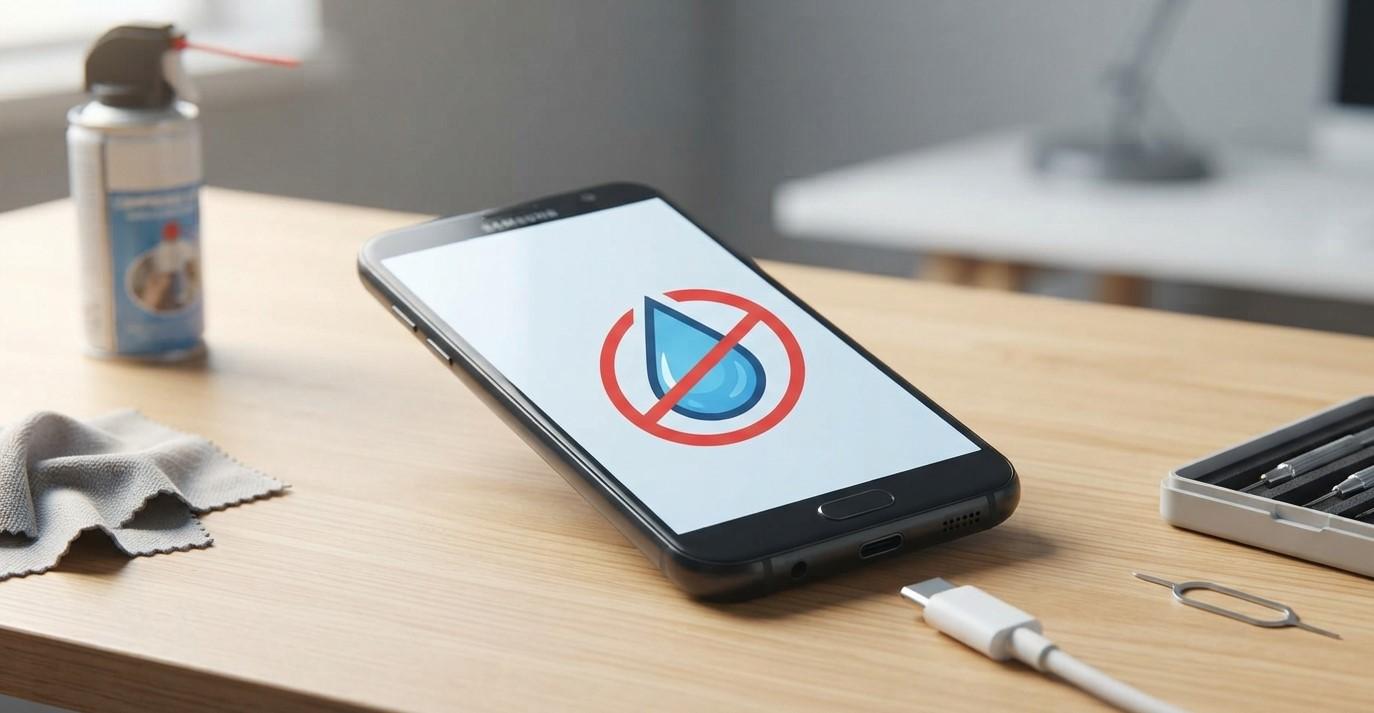
Seeing a “Moisture Detected” warning when your phone appears completely dry can be confusing—especially when the alert prevents charging. The message may be caused by moisture, debris in the charging port, a faulty cable, or a temporary software issue. Mobile Phone Repair Albany can help users understand common charging problems and explore repair options. If you’re searching for the best cell phone repair in Albany, these troubleshooting steps can help you identify what may be causing the warning.
Table of Contents
-
What Does “Moisture Detected” Mean?
-
Why Does the Warning Appear When the Phone Is Dry?
-
How to Fix the Warning
-
When to Seek Professional Repair
-
Frequently Asked Questions
-
Final Thoughts and CTA
1. What Does “Moisture Detected” Mean?
Many phones monitor their charging port for signs of moisture or conditions that could make charging unsafe. When the device detects a possible problem, it may display a warning and temporarily disable wired charging to help prevent damage.
The alert does not always mean that water is visibly present. Debris, residue, or a problem with the charging connection may also trigger it.
2. Why Does the Warning Appear When the Phone Is Dry?
Moisture or Condensation
A phone can be exposed to humidity, sweat, or condensation even if it has not been dropped in water. Moisture may remain inside the port after the outside looks dry.
Dust or Debris in the Charging Port
Lint and other particles can collect inside the port and interfere with the charging connection or sensor.
Damaged or Incompatible Charging Cable
A faulty, damaged, or incompatible cable may cause charging problems that appear alongside the warning.
Software Glitch
A temporary system error may cause the moisture alert to remain after the port is dry.
Charging Port Damage
If the port is worn, corroded, or damaged, the phone may continue detecting an issue even when no moisture is present.
3. How to Fix the Warning
Disconnect the Charger
Unplug the cable and leave the phone disconnected while you troubleshoot. Do not repeatedly reconnect it to test whether the warning has disappeared.
Let the Port Dry Naturally
Keep the phone in a dry, well-ventilated place. Avoid using a hair dryer, placing the phone near a heater, or inserting objects into the port.
Inspect the Charging Port
Look for visible lint or debris without poking inside the port. If you suspect liquid exposure, allow the device more time to dry before attempting to charge it.
Try a Different Compatible Cable
Once the port is dry, test with a compatible cable and adapter that you know work properly. Stop if the warning returns.
Restart Your Phone
If the port is dry and there are no signs of damage, restart the device. This may clear a temporary software issue.
Check for Software Updates
Install available updates for your phone. If the alert continues, check the manufacturer’s guidance for your specific model before trying further steps.
4. When to Seek Professional Repair
If the warning remains after the port has had time to dry and you have tested a known-good cable, the charging port or its moisture-detection circuitry may need inspection.
Seek professional help if you notice corrosion, visible damage, repeated charging interruptions, or signs of liquid exposure. Avoid forcing wired charging while the warning is active.
5. Frequently Asked Questions
Why does my phone say moisture detected when it is dry?
The warning may be caused by trapped moisture, humidity, debris, a faulty cable, port damage, or a software glitch.
Can I charge my phone while the warning is showing?
It is safest to follow the warning and disconnect the cable. Charging while moisture may be present can risk damage.
Will restarting remove the warning?
A restart may clear a temporary software issue, but it will not resolve moisture or physical damage in the port.
Can a charging cable trigger the alert?
A damaged or incompatible cable may contribute to charging problems. Test with a compatible cable after checking that the port is dry.
When should I get my charging port checked?
If the alert keeps appearing despite safe drying and basic troubleshooting, a technician can inspect the port and related components.
6. Final Thoughts and CTA
A “Moisture Detected” alert on a dry phone may come from humidity, debris, a cable problem, software, or charging-port damage. Disconnect the charger, let the port dry naturally, and avoid inserting objects or applying heat. If the warning continues, Mobile Phone Repair Albany can help you explore the cause and possible repair options. For those looking for the best cell phone repair in Albany, visit Mobile Phone Repair Albany to have your device checked.

 Polish
 Arabic
 French
 Spanish
 Portuguese
 Deutsch
 Turkish
 Dutch
 Italiano
 Russian
 Romaian
 Portuguese (Brazil)
 Greek